
Pork in Sour Cream Sauce in a Multicooker
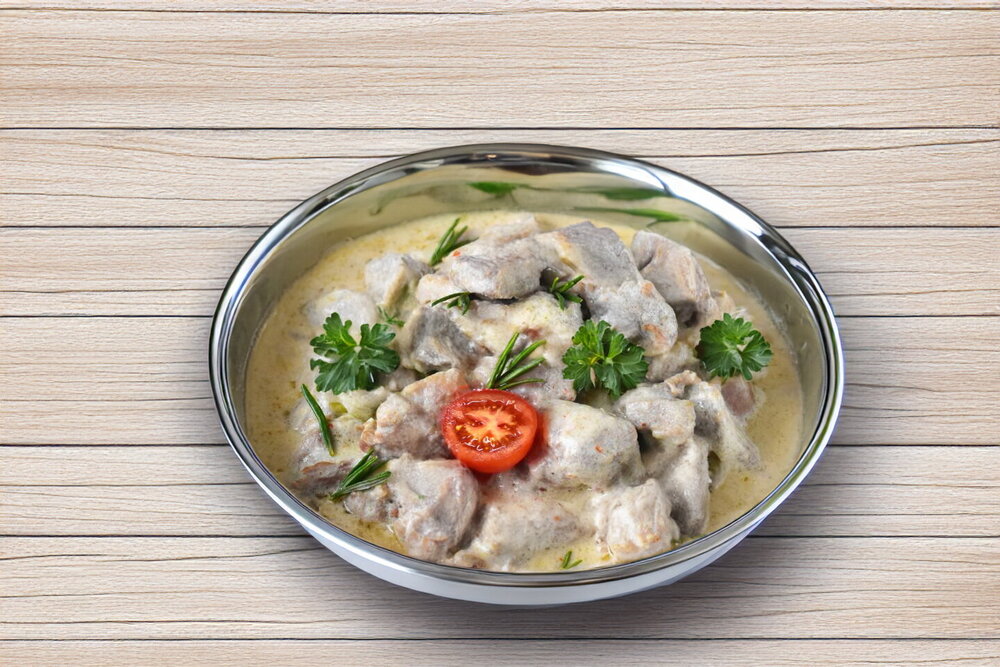
This multicooker pork is browned with onions, then gently stewed in a creamy sour cream sauce until tender. It requires little hands-on cooking and pairs well with many side dishes.
Updated : 04 November, 2026
Easy
About 30 min.
Ingredients
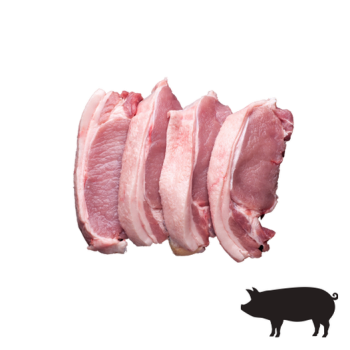
700 grams
Pork

200 grams
Sour cream

100 milliliters
Water
1
Onion
1 teaspoon
Wheat flour
2 tablespoon
Vegetable oil
1 teaspoon
Dry spices

to taste
Ground black pepper
to taste
Salt
Table
Table of volume measurements:
- teaspoon - 5 ml
- dessert spoon - 10 ml
- tablespoon - 20 ml
- glass - 200 ml
Preparation
Step 1
Prepare the ingredients. Pork can be replaced with beef, lamb, chicken or turkey if desired, but the cooking time will need to be adjusted accordingly.
Step 2
Pat the pork dry and cut it into medium-sized pieces. Use boneless pork such as shoulder, neck, loin, ham or tenderloin. Trim off excess fat if desired.
Step 3
Peel the onion and cut it into half-rings.
Step 4
Combine the sour cream with the water, flour and spices, stirring thoroughly until smooth and free of lumps. If you want more sauce, increase the amount of sour cream and water by about 1.5 times. Sour cream of any fat content can be used.
Step 5
Set the multicooker to the Sauté or Fry setting for 20 minutes. Heat the vegetable oil in the multicooker bowl. Cooking modes and times may vary depending on the appliance.
Step 6
Add the pork and stir so the pieces are lightly coated with oil. Fry, stirring occasionally, until the meat is golden brown.
Step 7
Add the onion and continue cooking, stirring, for another 2 minutes.
Step 8
Switch the multicooker to the Stew setting and set the timer for about 40 minutes. The exact cooking time depends on the appliance and the cut of pork; fattier cuts such as shoulder or neck usually become tender faster than leaner, firmer cuts.
Step 9
Pour the sour cream mixture over the pork and stir. Close the lid and stew for the remaining time, until the meat is tender. If your multicooker allows temperature adjustment and the sauce is boiling too vigorously, reduce the temperature slightly.
Author note
Share the recipe


